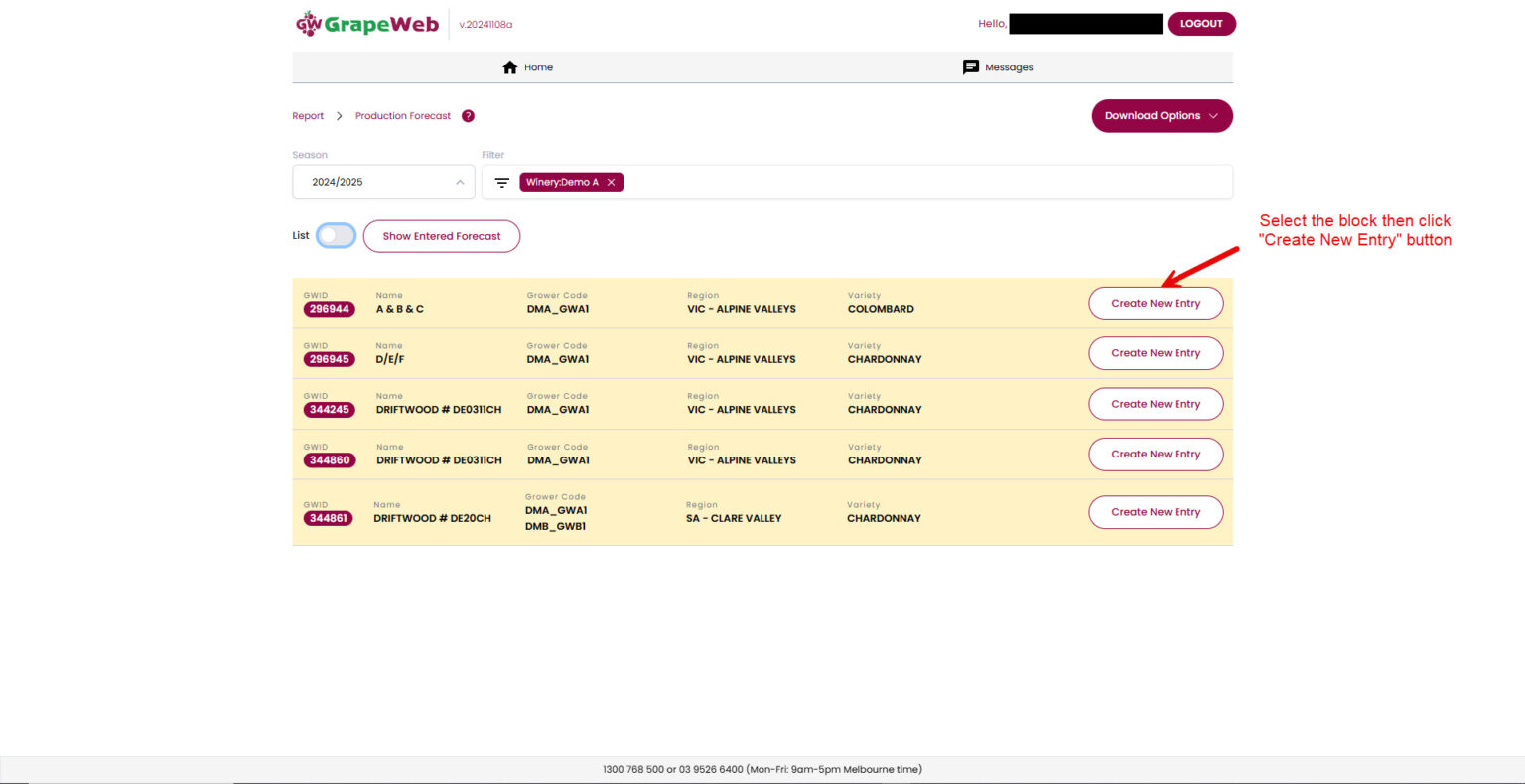
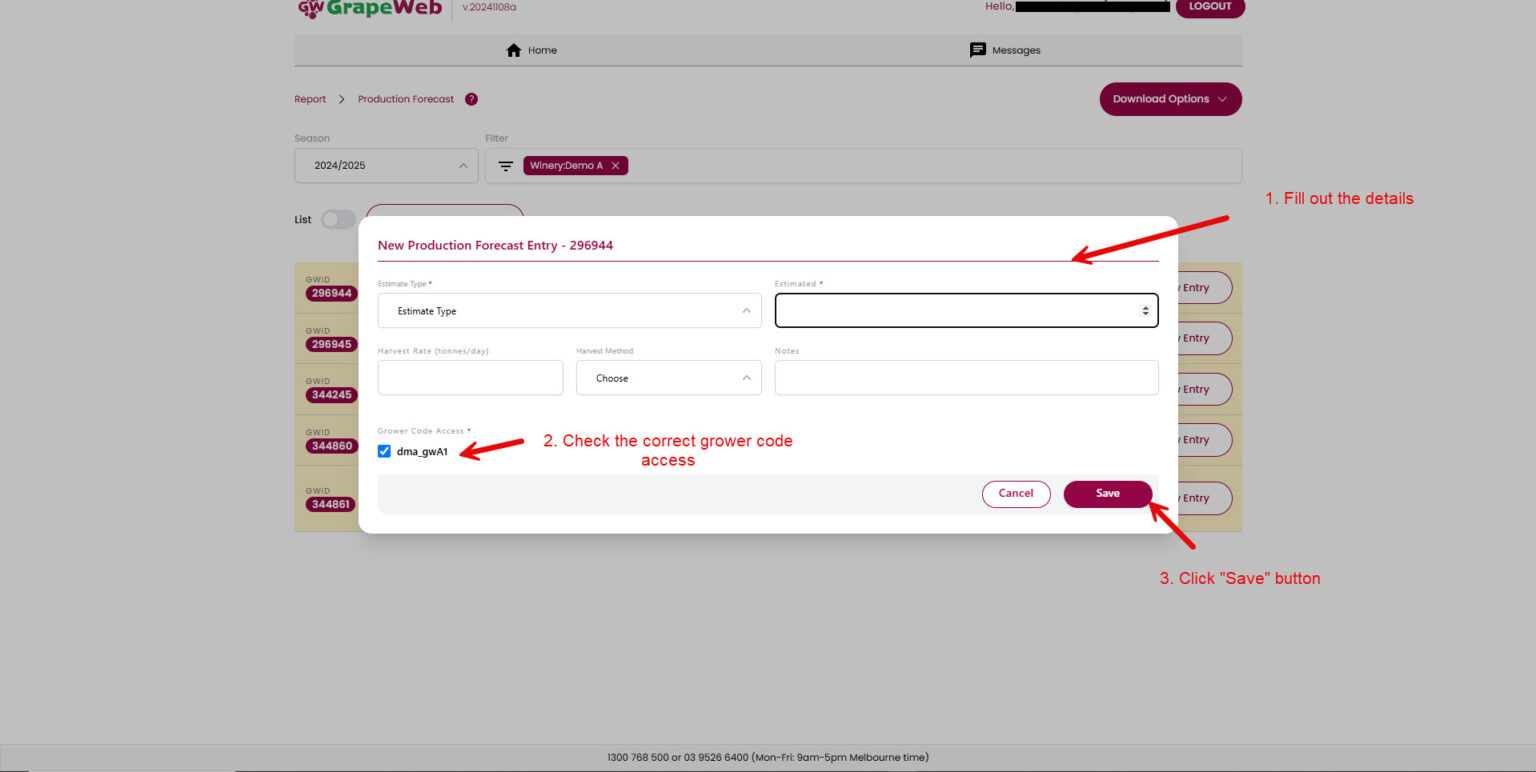
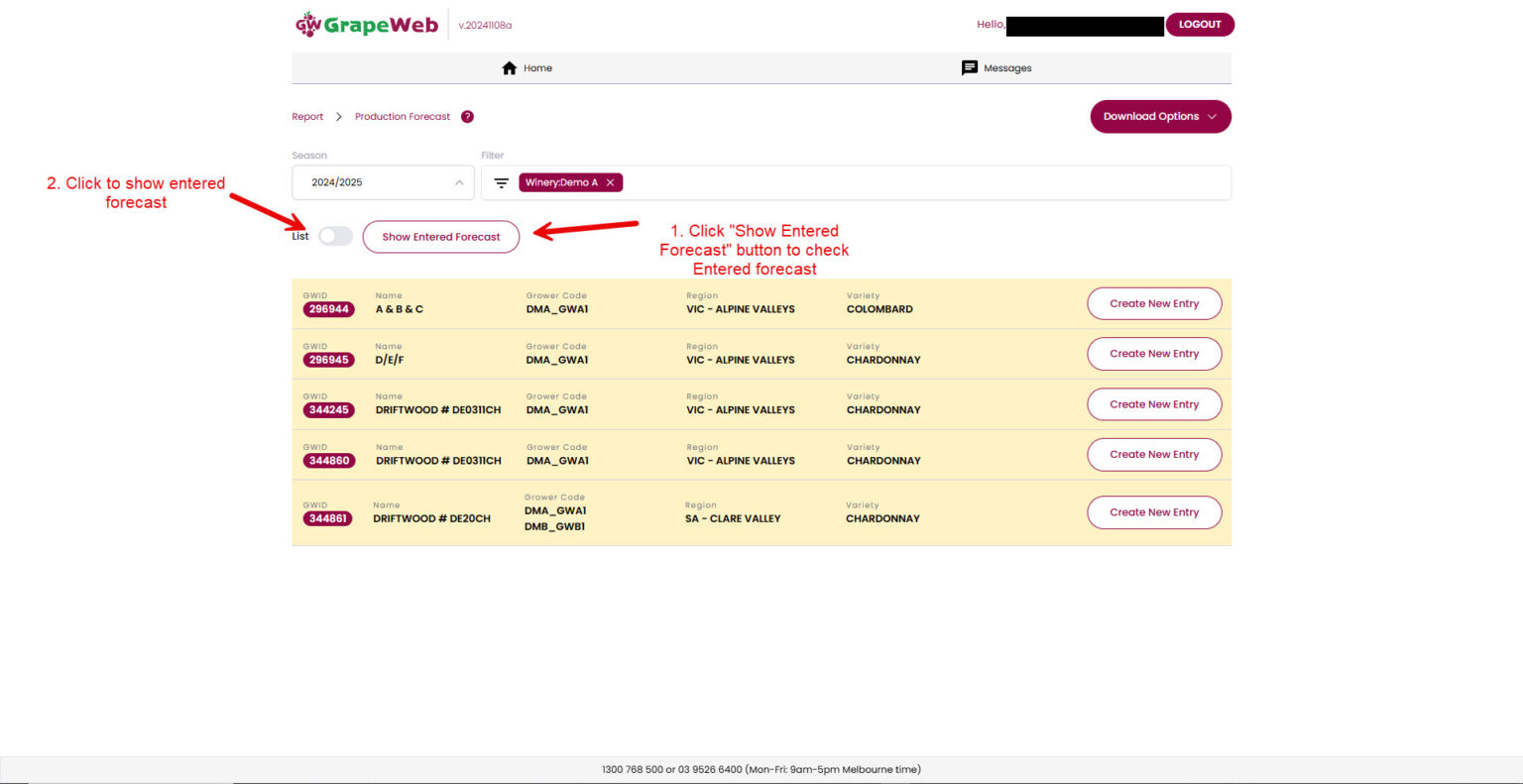
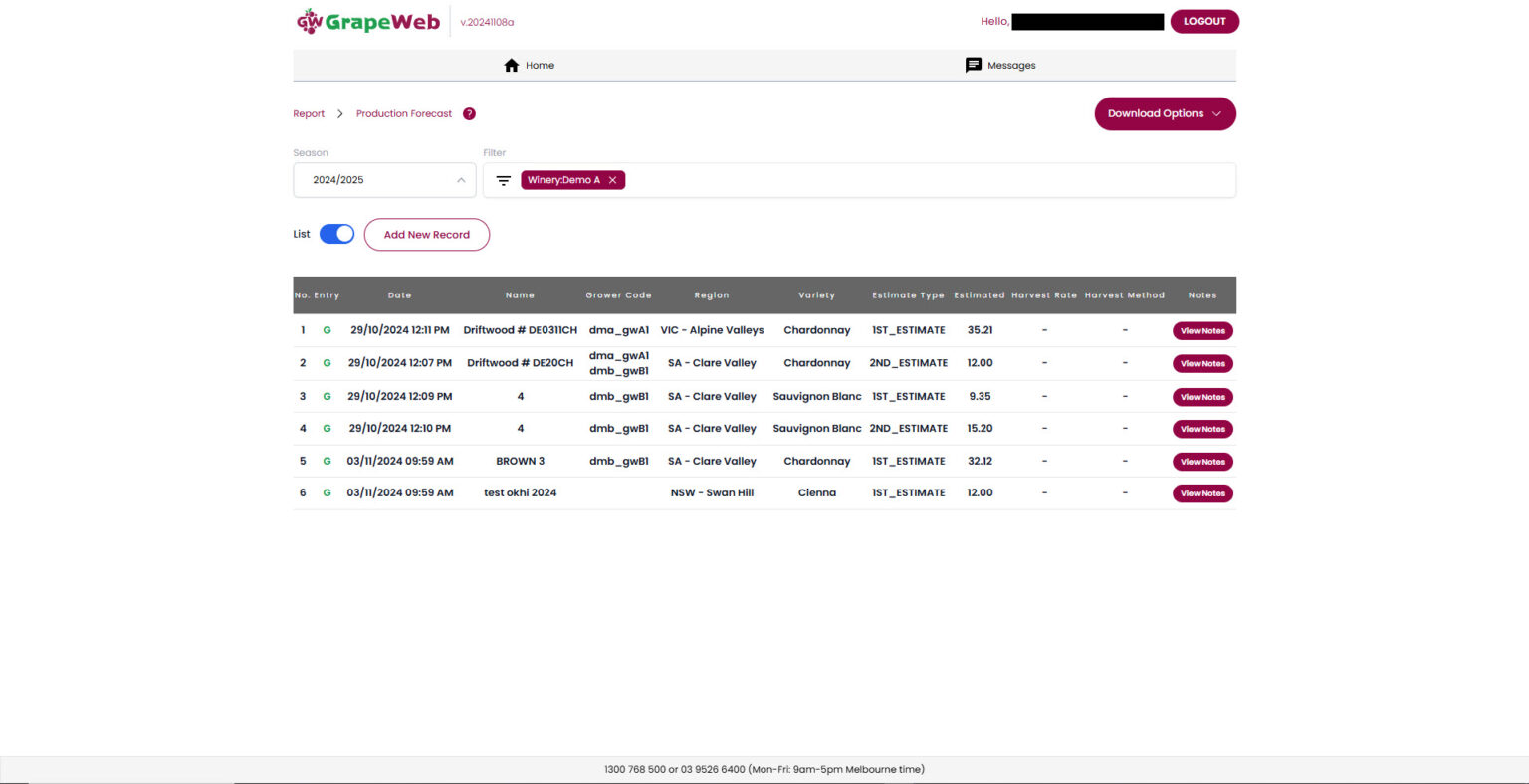
Key Points: Click HERE to see AWRI Grapeweb update Click HERE to see DFA Grapeweb update Grapeweb how-to pages for growers: https://grapeweb.au/add-new-spray-record https://grapeweb.au/add-new-spray-record-with-operator-worksheet/ https://grapeweb.au/set-final-spray/ https://grapeweb.au/copy-spray-r...
Grapeweb – More than spray diary system